
Tournament TV runs in an unregistered state until a valid license file is added.
Steps
Register Tournament TV using a license file
Follow these steps:
-
Open Tournament TV.
-
Go to the Help menu.
-
Select Register.
-
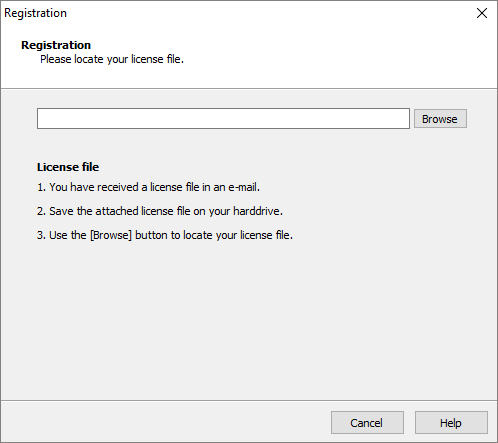
A registration window will appear prompting you to select a license file.
-
Locate the license file received by email.
-
The file usually contains your organization name
(for example: TC Demo.license).
-
-
Select the license file.
-
Click Open.
-
Tournament TV will automatically complete the registration process and close the Registration window.
The software is now registered and ready for use.