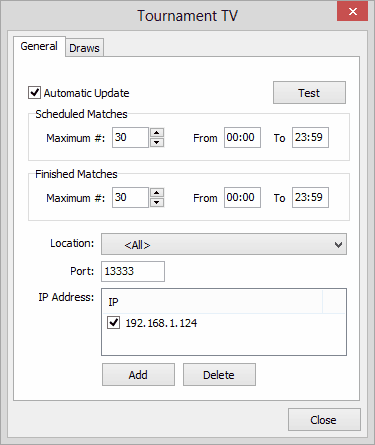
Tournament Planner needs the IP address of the computer running Tournament TV in order to communicate with the Tournament TV system.
Steps
Before you can start using Tournament TV, you have to specify the ip-address of the Tournament TV computer in the Tournament Planner. The IP-address of the computer running Tournament TV is displayed in the title bar of Tournament TV.
At IP-adres specify the network addresses of the computers running Tournament TV.
Open Tournament Planner and open from the main menu Extra > Tournament TV.
Click on Add to specify the network addresses of the computers running Tournament TV.