
Club logos cannot be uploaded directly by users. All logos must first be reviewed and approved to ensure they meet the website guidelines and display correctly.
Steps
Submit your club logo to support
Follow these steps:
-
Prepare your logo image.
-
Send an email to:
helpdesk@tournamentsoftware.com -
Include the following information:
-
Name of the club or license owner
-
A link to one of your tournaments
-
The logo image as an attachment
-
The support team will review and upload the logo for you.
Logo requirements
Your logo must meet the following specifications:
-
File format: JPG or PNG
-
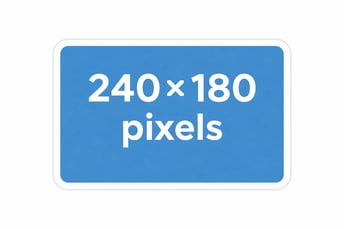
Image size: 240 × 180 pixels
-
Include sufficient white space around the logo for proper display
If no logo is available, you may submit a representative club photo instead.
Content guidelines
The following are not allowed:
-
Photos of tournament committee members or individuals
-
Commercial messages or advertisements
-
Website links
-
References to specific tournaments or events
Logos that do not meet these requirements will not be approved.
Result
After approval:
-
The logo will be uploaded by the support team.
-
The logo usually appears on the website within a few days.