
Steps
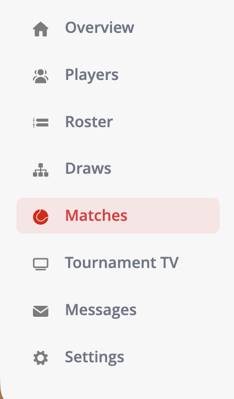
- Go to Matches in the left-hand menu
- Locate the court that contains the match
- Hover your mouse over the court
- Click Clear to remove the match from that court

What happens after removing the match?
- The match is no longer assigned to the court
- The court becomes available again
- The match remains in the system and can be reassigned
When should I use this?
Use this option when:
- A match was scheduled on the wrong court
- You need to reschedule a match
- A court becomes unavailable and matches need to be moved
Troubleshooting
If you’re unable to remove the match:
- Make sure the tournament is open
- Refresh the page if the schedule does not load correctly
- Check if you have the correct permissions