
Steps
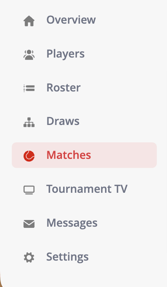
- Go to Matches in the left-hand menu
- If needed, select the correct match day to display the matches
- Find the match you want to update
- Open the dropdown menu next to the match
- Go to Players
- Select All Players to mark all players in the match as present
What happens after marking players as present?
- All players in the match are marked as present
- A green indicator appears next to each player
- The changes are saved automatically
When should I use this?
Use this feature when:
- Players have arrived at the venue
- You want to confirm attendance before starting matches
- You are managing check-ins during a tournament
Troubleshooting
If you’re unable to mark players as present:
- Make sure you are logged in
- Check if the correct match day is selected
- Refresh the page if matches are not visible
- Ensure matches and players have been added to the tournament