
Skip to content
English
  • There are no suggestions because the search field is empty.

How to download player information in OTP

It is possible to export all player data directly from the player overview in Online Tournament Planner. This will generate an Excel file containing all available player information.

Sometimes you need an overview of all players for administration, analysis or external use. The export function allows you to quickly download this data in Excel format.

Steps:

  1. Go to the Players page in Online Tournament Planner
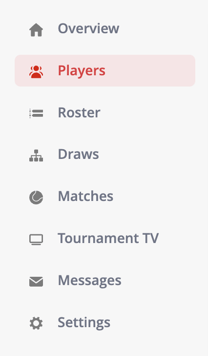
    sidebar players
  2. Click on the Export button

    Scherm­afbeelding 2026-03-26 om 11.42.04

  3. The system will automatically generate an Excel file
  4. Download and open the file on your computer
