
Steps via Draws
Entering a match result
To enter a result:
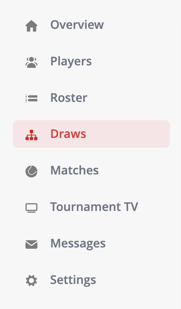
- Go to Draws in the left-hand menu
- Find the match in the overview
- Click on the match, or open the dropdown and select Match information
- Enter the set scores for one of the players
- Adjust the match duration if needed
- If applicable, update the match status (for example: Walkover or Retired)
- If no winner is selected automatically, select the winner manually
Your changes will be saved automatically.
What happens after submitting the result?
After entering the result:
- The match is removed from the active matches list
- The winner automatically advances to the next round (if applicable)
- In Round Robin formats, the result is included in the standings
When should I update the match status?
You can update the match status in specific situations:
- Walkover – when a player does not show up
- Retired – when a player stops during the match
- Disqualified – when a player is removed from the match
- Not played – when the match did not take place
Troubleshooting
If something doesn’t work as expected:
- Make sure the tournament is open
- Check if players and matches have been added correctly
- Refresh the page if data does not load properly