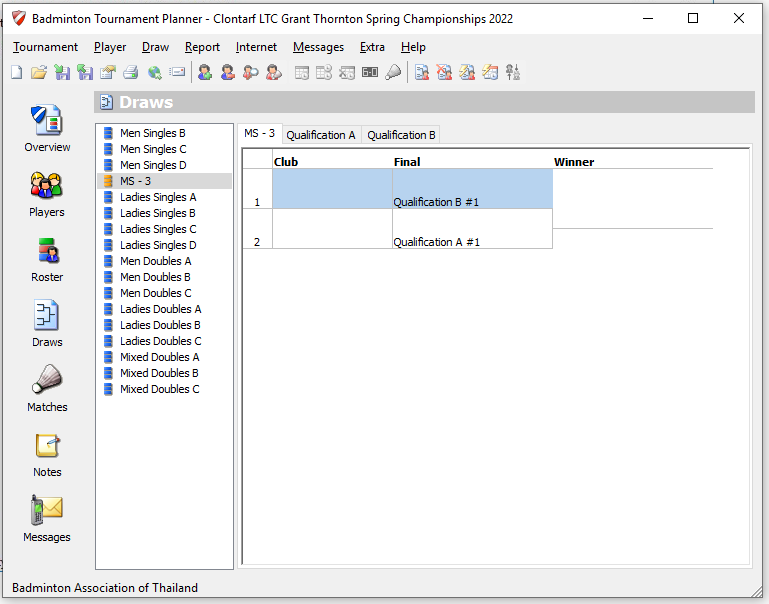
The winner of an qualification elimination draw and every entry of a qualification round robin can be forwarded automatically to the next draw. For example you have 8 qualification draws and the winner of every draw will compete in a final elimination draw. In this How to we will show you how to manually at links between the draws.
Steps
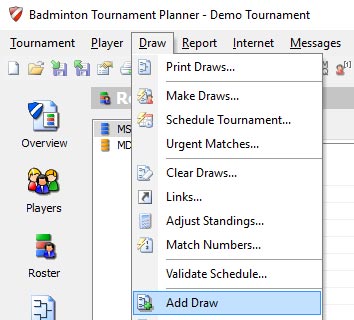
- Go in the main menu to Draw > Add Draw.
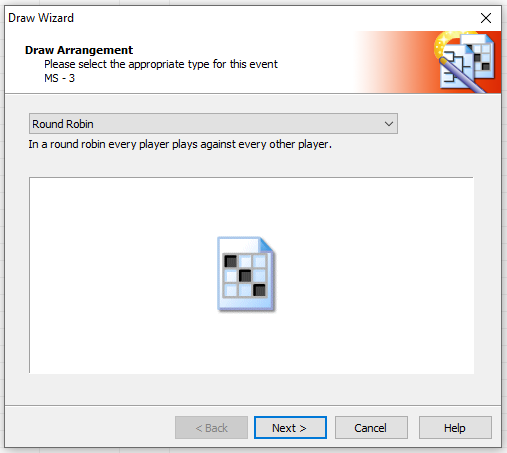
Select Round Robin from the dropdown menu and click on Next:
Set the size of the Round Robin and give it a clear name. For example Qualification A. And make sure that all qualification draws have the same Stage. 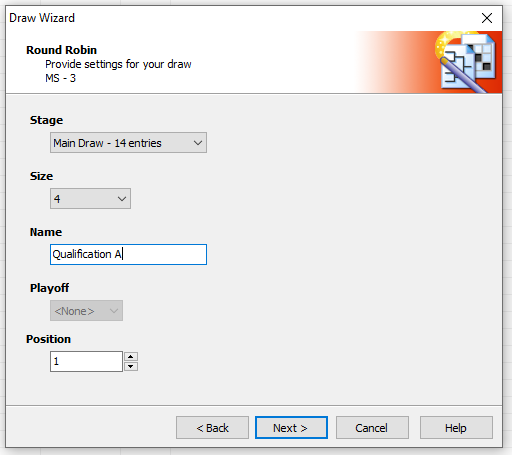
Do exactly the same fore the second Round Robin: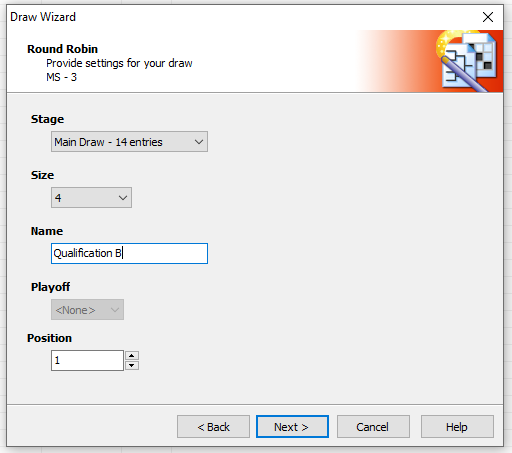
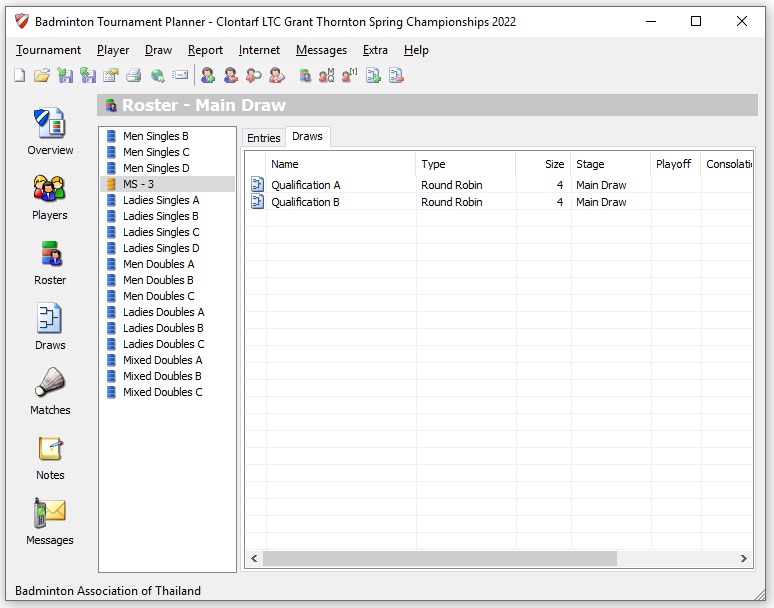
- Both qualification round robins have been added. We can continue by adding the Final
elimination draw. Draw >Add Draw. Select Elimination from the drop down menu and click on Next.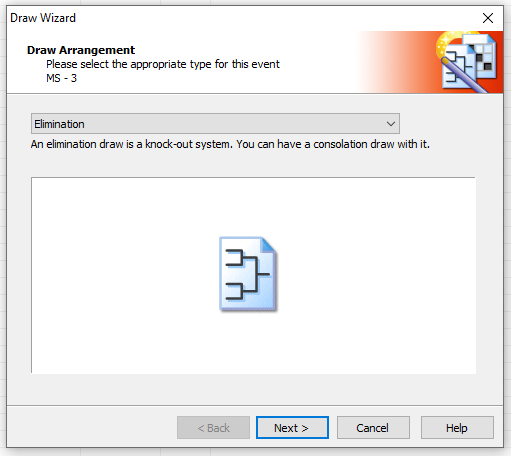
It is very important that the final draw has a different Stage. Click on Next.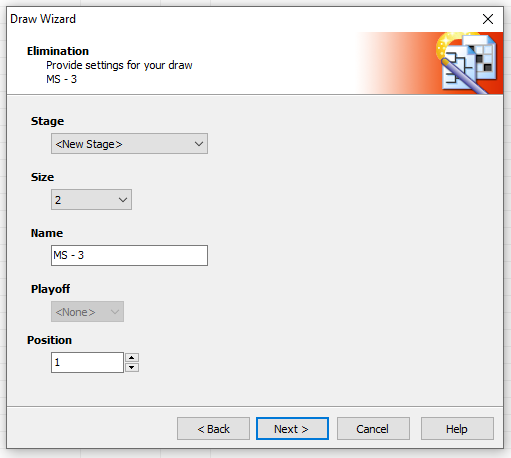
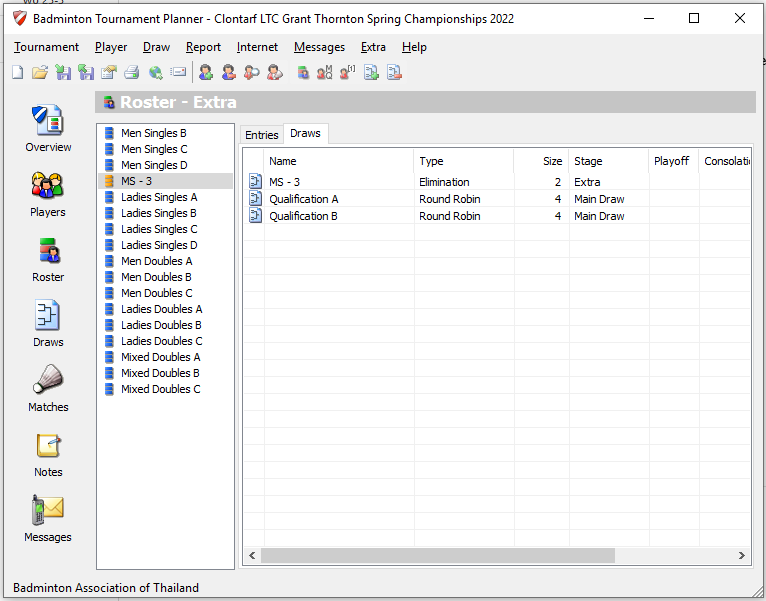
- Time to create links between the qualification Round Robins and the Elimination draw. Go the draw section and select the Elimination draw:
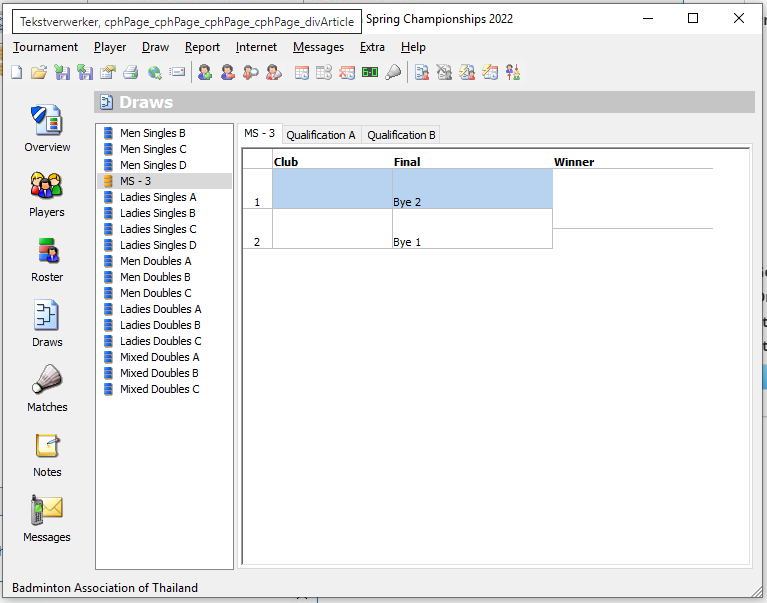
Double click on the first position in the draw to open the Select Enry window: 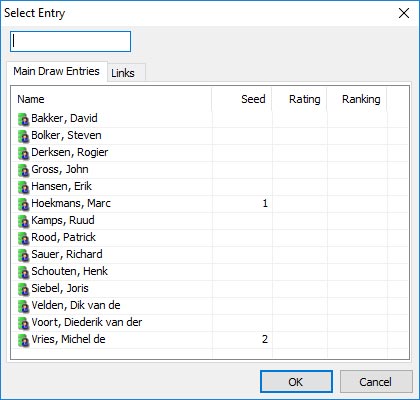
Click on the Links tab and select the Qualification link from the list.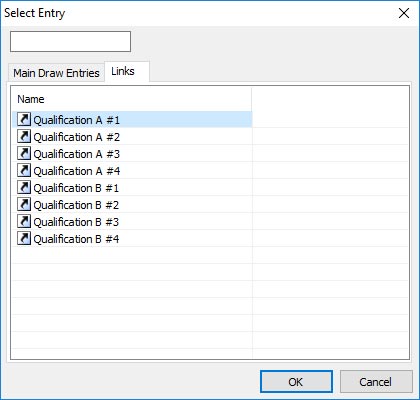
Click on OK and repeat the steps for the second link.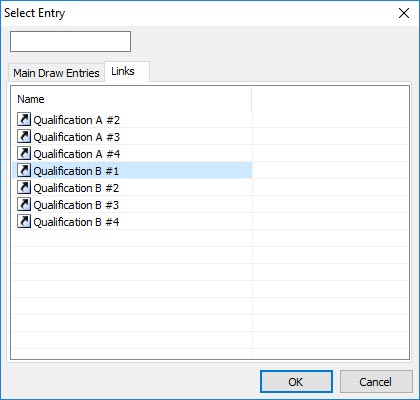
The winners of the Qualification A and B will automatically forwarded to the elimination draw: